Networking & cabling
Structured cabling and office network setup in Chandigarh
Bad cabling shows up years later as a fault nobody can trace. We label every run, document every port and leave you a rack you can work in without a torch.
What you get
The outcome you are buying
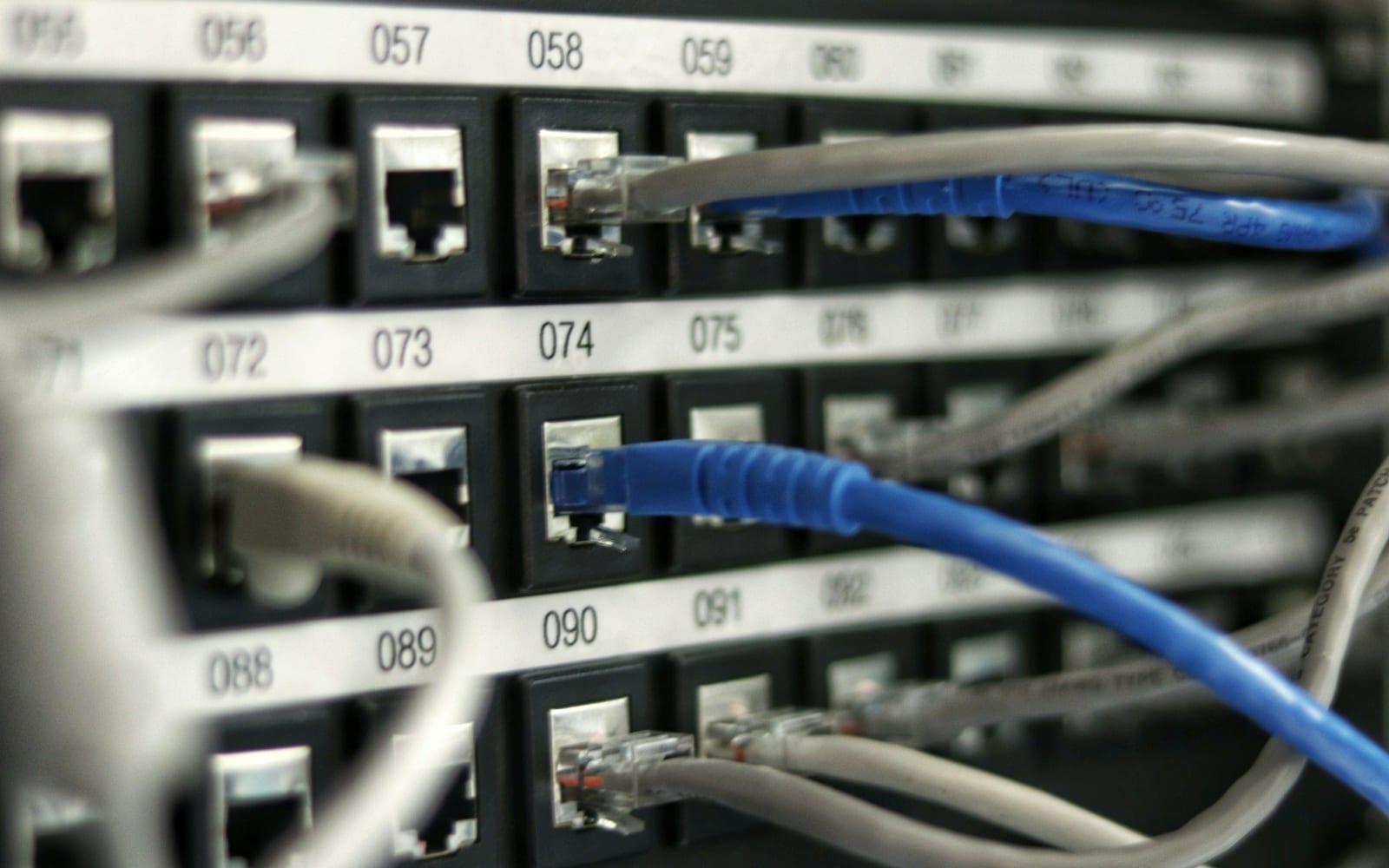
A rack you can read
Every port labelled and mapped to a floor-plan reference, so tracing a dead socket takes minutes rather than an afternoon.
Wi-Fi that works where people sit
Access-point placement comes from a survey of your actual walls and occupancy, not from spacing them evenly on a drawing.
Room to grow
Spare capacity in trunking and patch panels built in at installation, so the next ten desks do not need a new cable tray.
Documentation you keep
Port maps, IP schedule, VLAN plan and switch configuration handed over as files, so you are never dependent on one person's memory.
Included
What sits under this service
Each line is something we supply, configure and support, not a category heading.
- Network design and implementation
- Addressing, VLANs and switching planned for your floor layout and headcount.
- Structured cabling
- Cat6 and Cat6A runs, trunking, patch panels, testing and labelling.
- Switching and routing
- Managed switches and routers configured, stacked and documented.
- Secured wireless networking
- Surveyed access-point placement with separate staff, guest and device networks.
- Rack build and dressing
- Cabinets, power distribution, cable management and cooling considered together.
- Certification and testing
- Every run tested and results supplied as a report you can hold a contractor to.
Questions we get asked
Networking & cabling: straight answers
Cat6 or Cat6A for a new office?
- Cat6 covers gigabit desks comfortably and is the sensible default. Choose Cat6A on runs feeding wireless access points, CCTV aggregation and anything you expect to carry 10 gigabit within the cable's twenty-year life, because re-pulling later costs more than the cable did.
Why does our Wi-Fi drop in some rooms?
- Almost always placement rather than the access point itself. Concrete walls, lift shafts and metal shelving absorb the signal, and a survey finds those dead zones so an access point is moved or added instead of a stronger one being bought.
Do you separate guest Wi-Fi from the office network?
- Yes, on a separate VLAN with no route to internal file shares or printers. Guests and personal phones get internet only, so a compromised handset in your reception cannot reach your servers.
Can you cable an occupied office without stopping work?
- Yes. Runs are pulled and terminated after hours or floor by floor, with the old sockets left live until the new ones are tested and cut over, so no desk loses a working day.
Who we do this for
Sectors where this comes up most
Related
Usually specified alongside this
These three come up in the same conversation more often than not.
VoIP & IP telephony
IP PBX systems, SIP trunks and desk handsets installed across Chandigarh and Mohali. Free calls between your sites, and number porting handled for you.
Read moreIP surveillance
IP camera systems surveyed, designed, installed and maintained across Chandigarh and Mohali. ONVIF designs, with your staff trained to find the footage.
Read moreNetwork security
Firewalls, IPS, secure web gateway, email security and VPN configured against your real traffic, with a quarterly rule review. Serving Chandigarh and Mohali.
Read moreLooking for plain facts about the company rather than the sales pitch? Our company facts page lists services, coverage, addresses and GSTIN in a direct-answer format.